Services
In this section
The Services section contains the activities users can book. Each Service must be assigned to a Division.
Service details
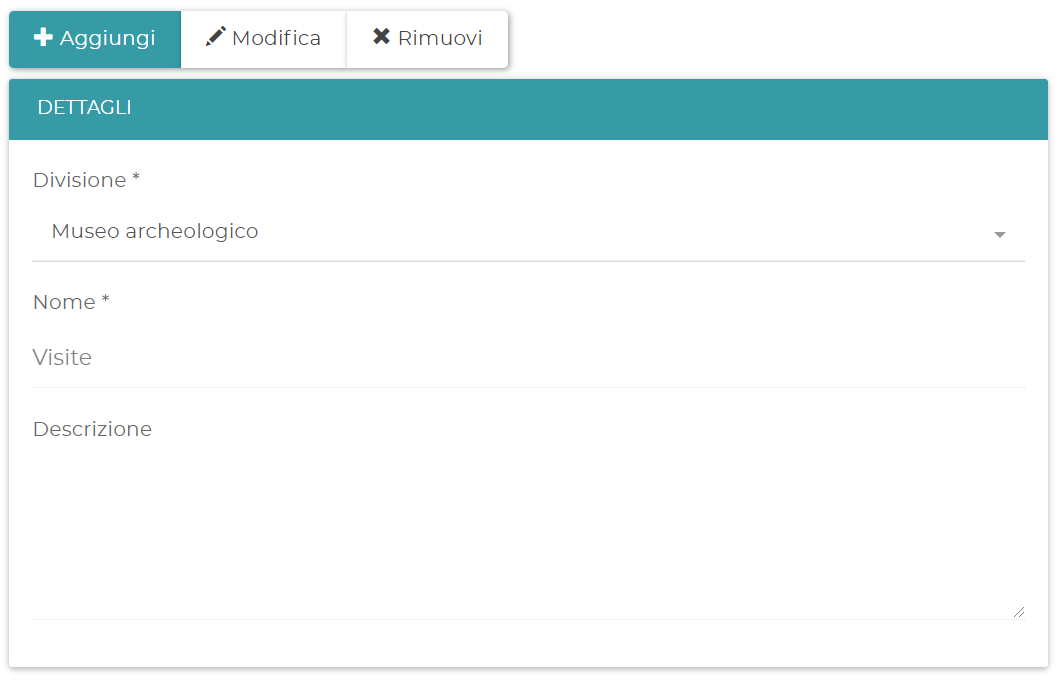
To create a Service, enter Name, Duration, event color, description, price and currency. The name is shown to the user.
You can show or hide the appointment duration and assign the Service to a Category or to the Subdivisions of the Division.
Availability and Resources
The Availability type determines how slots are calculated:
- Fixed: slots follow the Service duration. With a 30-minute Service, times can be 09:00, 09:30, 10:00.
- Flexible: slots follow the configured interval, regardless of the duration. With a 10-minute interval, times can be 09:00, 09:10, 09:20.
The Number of concurrent bookings determines how many bookings can start at the same time. The actual limit cannot exceed the number of available Resources, except when the assignment is Not managed.
For the Resource you can choose Manual, Automatic or Not managed assignment. You can also enable Booking with confirmation and specify one or more email addresses that approve or cancel the request.
Work plan
A Service can have a custom Work plan. If you do not set one, the Subdivision plan is used; if that is missing, the Division plan or the general Business Logic is used.
Custom fields
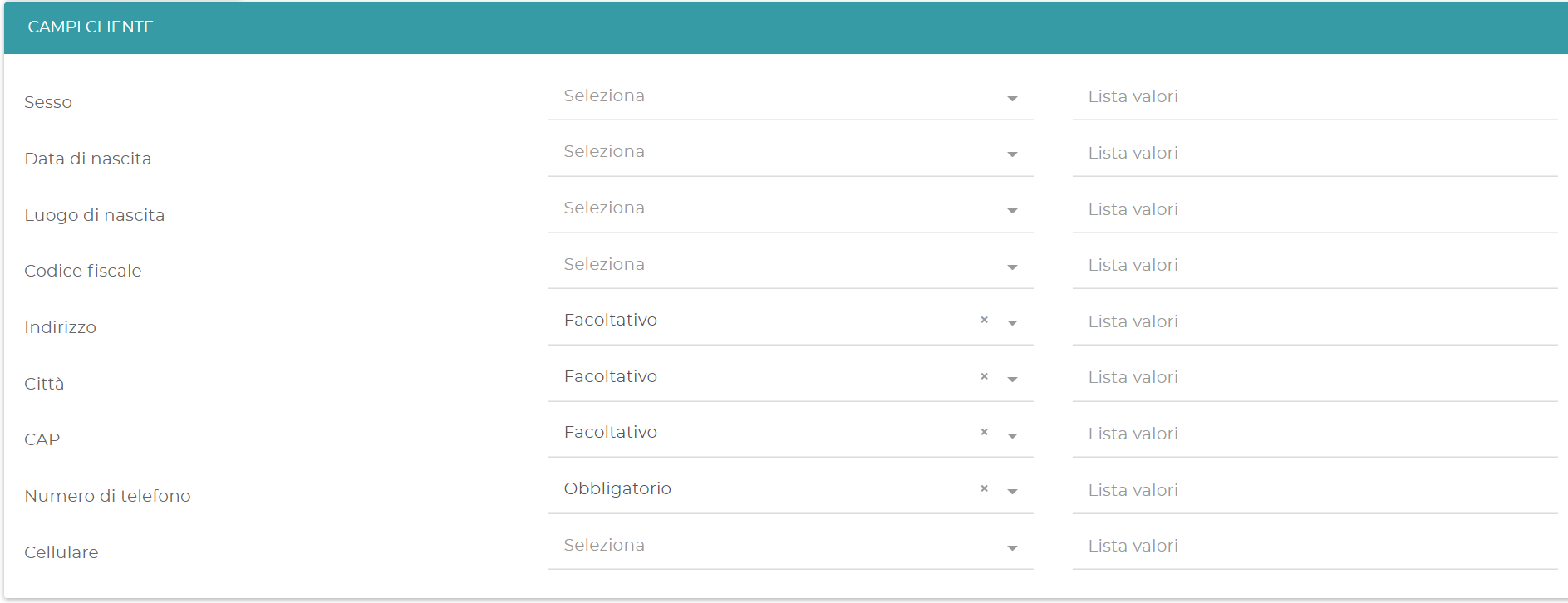
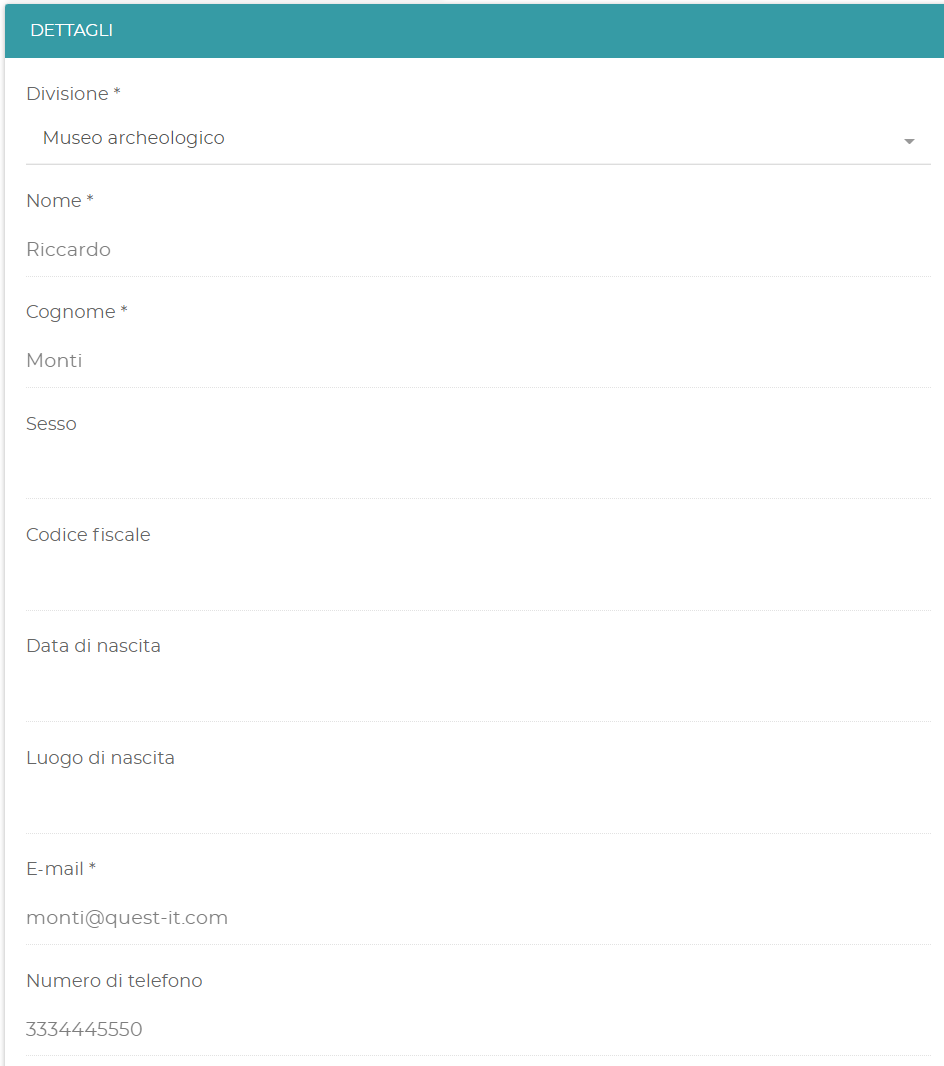
In Customer fields you can decide which information to request from the user and whether to make it required or optional. For some fields you can also define the accepted values.
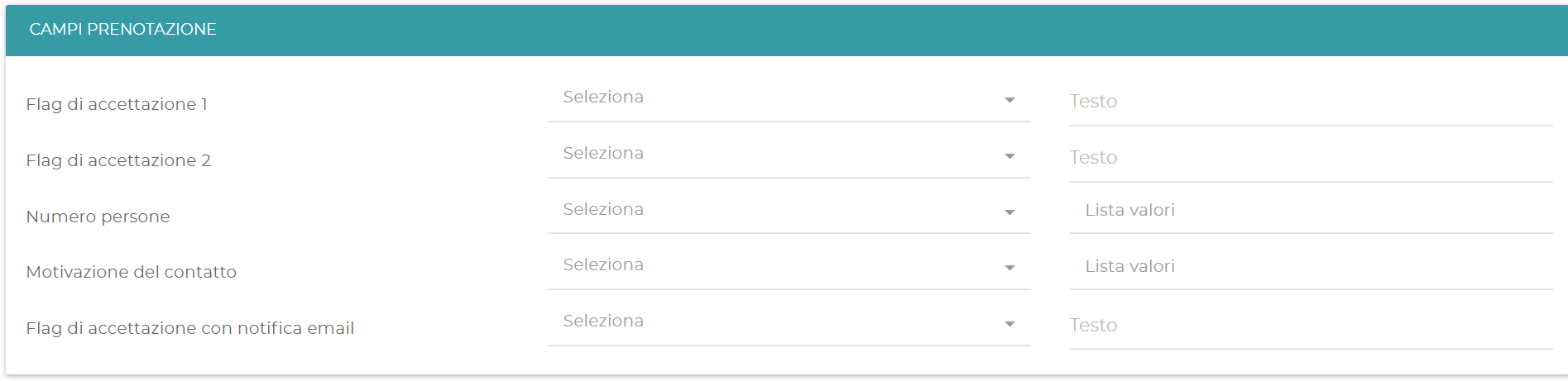
In Booking fields you can add:
- up to two acceptance flags, optional or required;
- the number of people who will attend the Service;
- a reason for contact.
Messages and Categories
In Custom messages configure the text shown before booking and the message sent by email after booking.
Categories group the Services of a Division and improve the display of the list. They are not required.
Booking limit
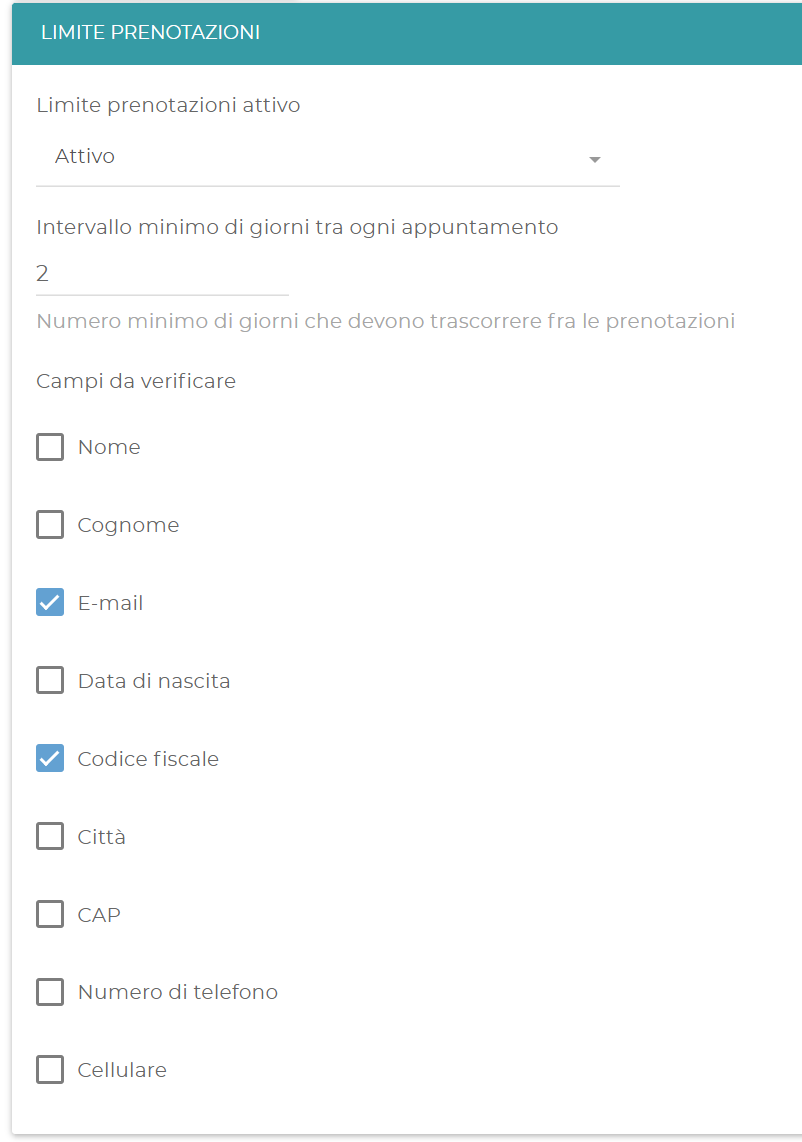
In Booking limit you can limit the number of bookings of the same Service that a user can make. Configure the minimum interval between two bookings and the fields used to identify the user.