Users, Divisions and Resources
In this section
The Users section lets you configure the organizational structure of Booking. Divisions, Subdivisions and Resources determine what can be booked and who provides it.
Structure of Booking items
- Division: the main booking item, for example a location or a department.
- Subdivision: a specific area of the Division, for example an office.
- Resource: the person, workstation or device that provides the service.
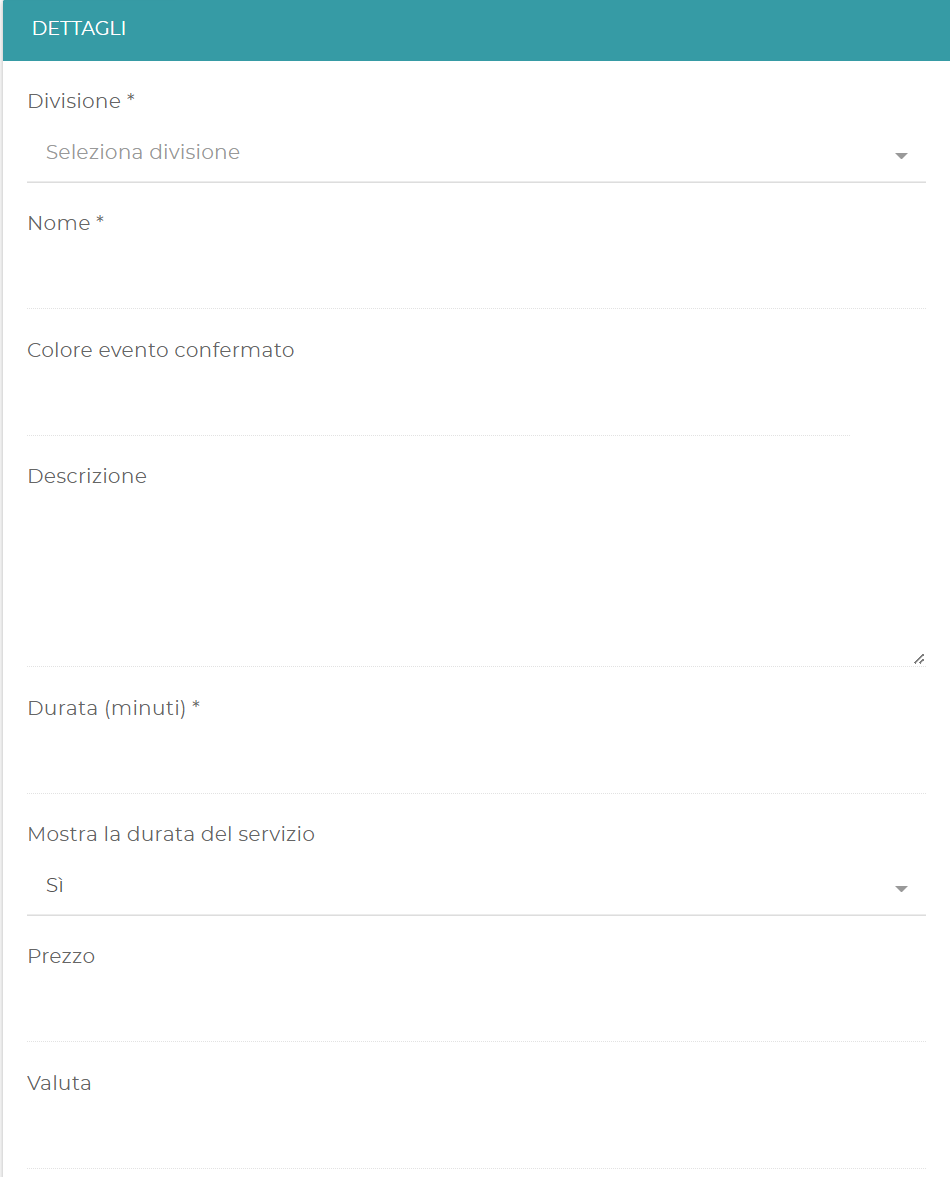
- Service: the activity the user can book.
The Groups feature may not be active for all accounts. Contact your QuestIT representative to enable it.
Divisions
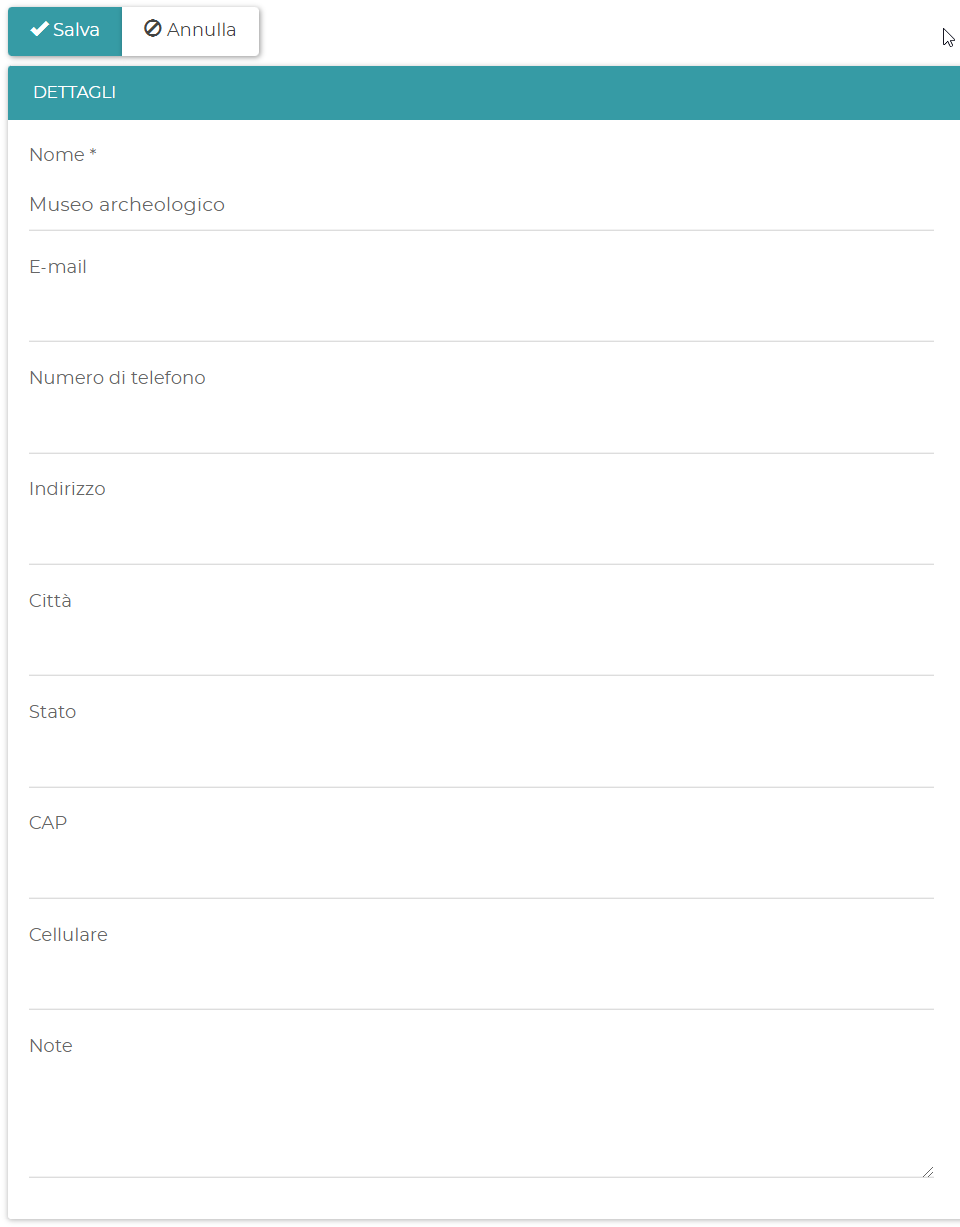
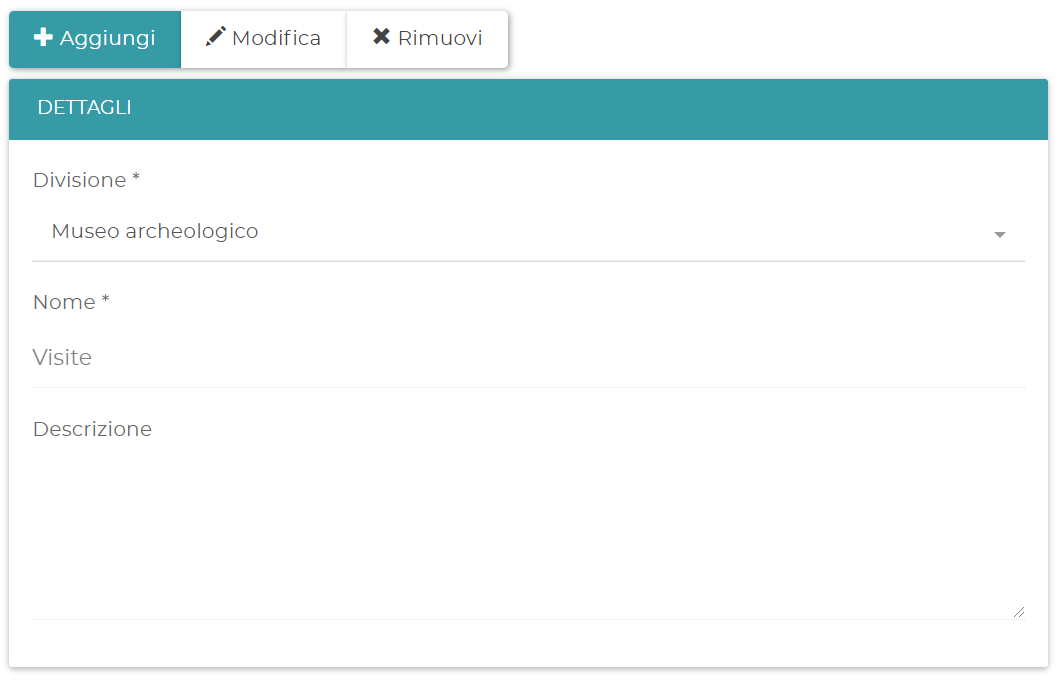
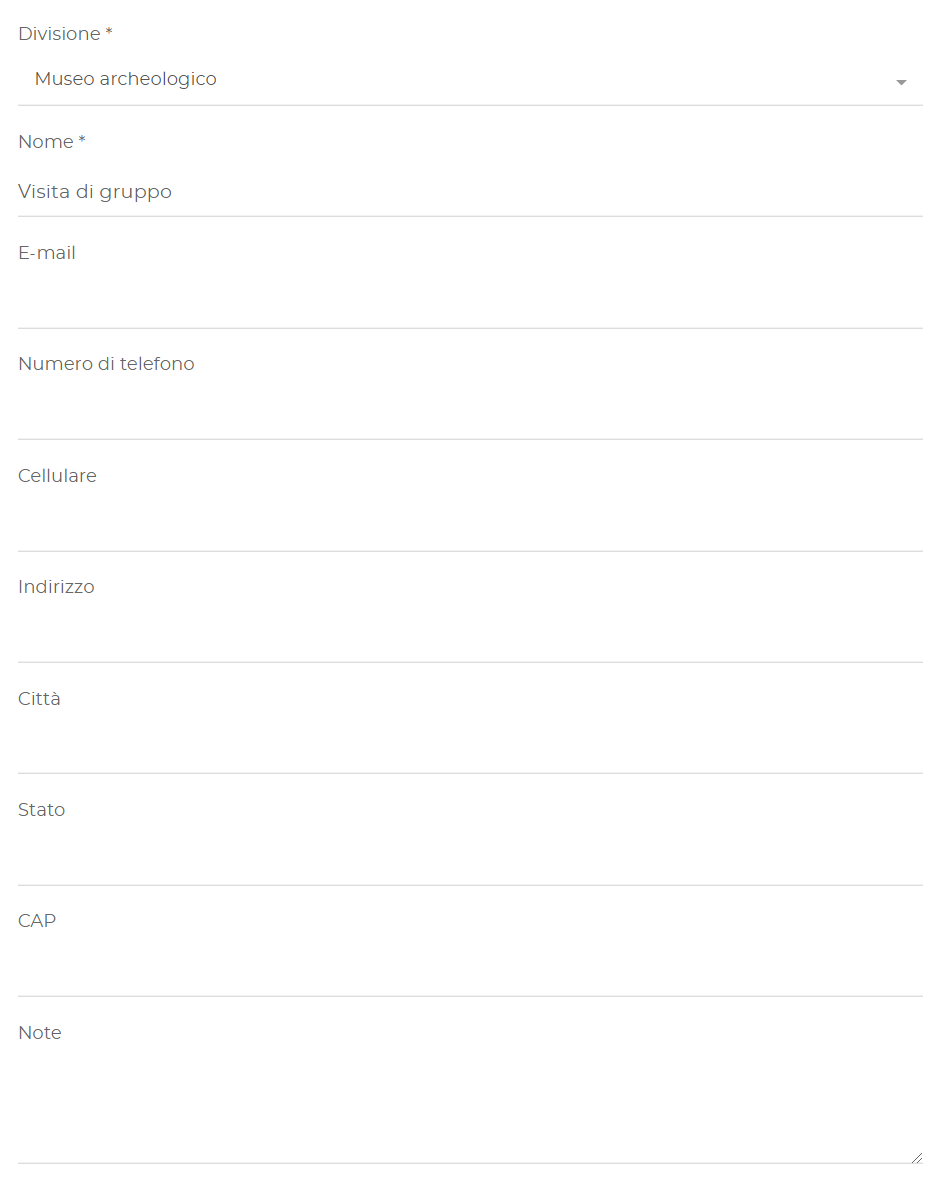
To create a Division, open Users > Divisions and select New. The Name is required and is shown to the user during booking. You can add email, phone, address, city, country, ZIP code, mobile phone and notes.
By enabling Receive notifications, every new booking for the Division generates an email to the specified address.
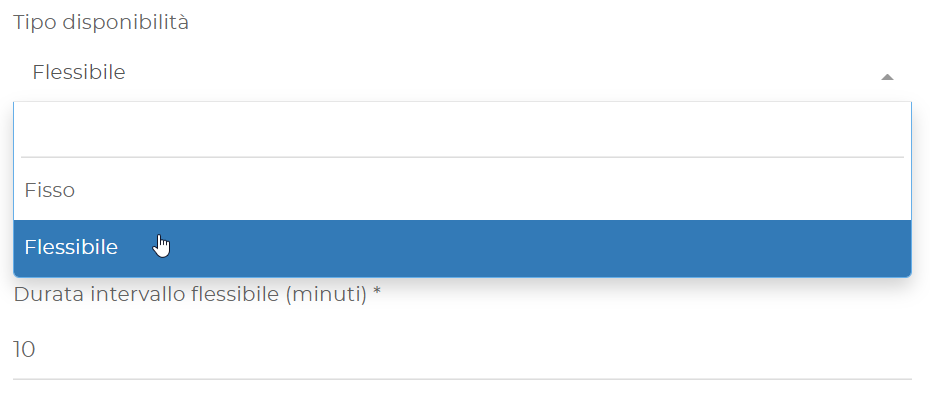
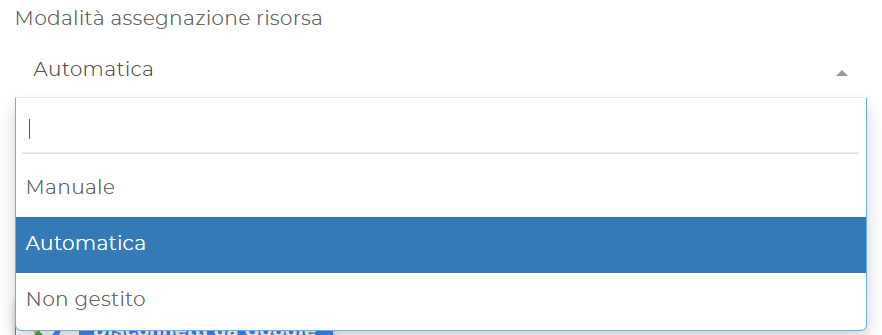
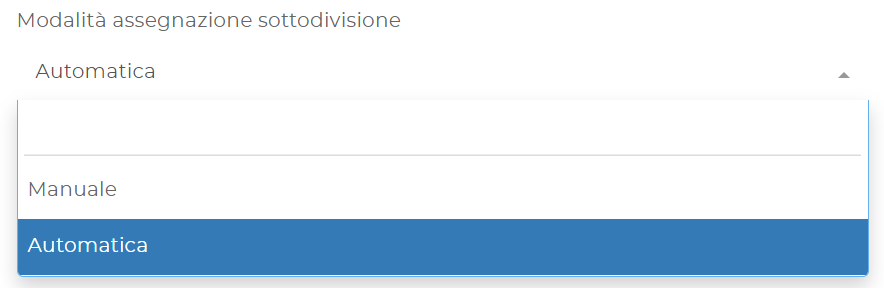
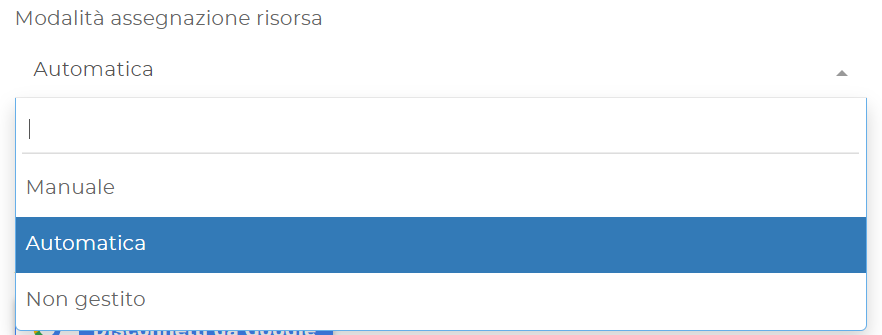
For Subdivisions and Resources you can choose whether the assignment is Manual, Automatic or, for Resources, Not managed. You can also set the minimum number of days in advance. If the field is empty, the value defined in Business Logic is used.
Login account
An account associated with a Division can view and modify the Division and the items below it. Each account must have a unique email address within Booking.
Google Calendar
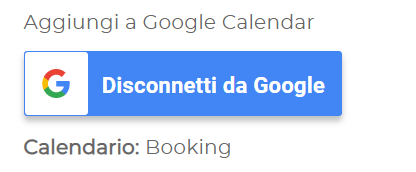
You can synchronize a Division with Google Calendar. The synchronization includes existing bookings from the connection date and propagates changes and cancellations in both directions.
Google Calendar does not allow you to create new bookings. Use the Booking form or calendar.
Subdivisions
A Subdivision must be assigned to an existing Division. Enter name, contacts, address and notes; the name is shown during booking.
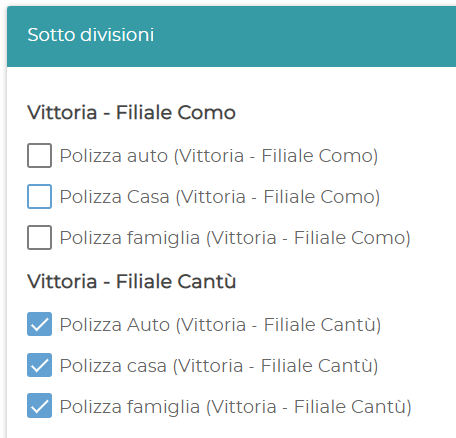
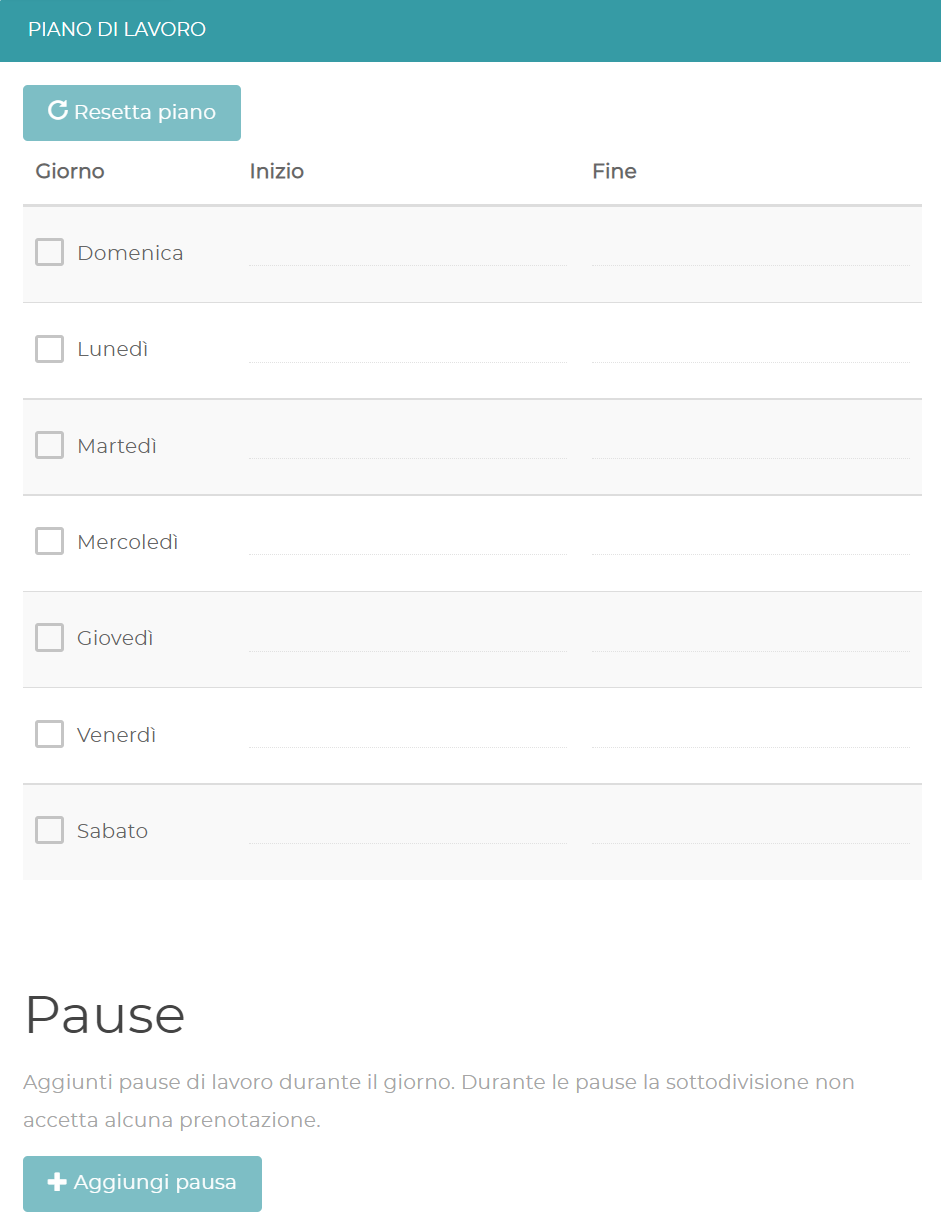
You can associate the Subdivision with the Resources and Services already present in the Division, define a custom Work plan and enable email notifications.
The Service work plan takes precedence over the Subdivision one. If the Subdivision plan is empty, the Division plan or the general one is used.

Login account
An account associated with a Subdivision can access the Subdivision and the linked items below it. The email must be unique.
Resources
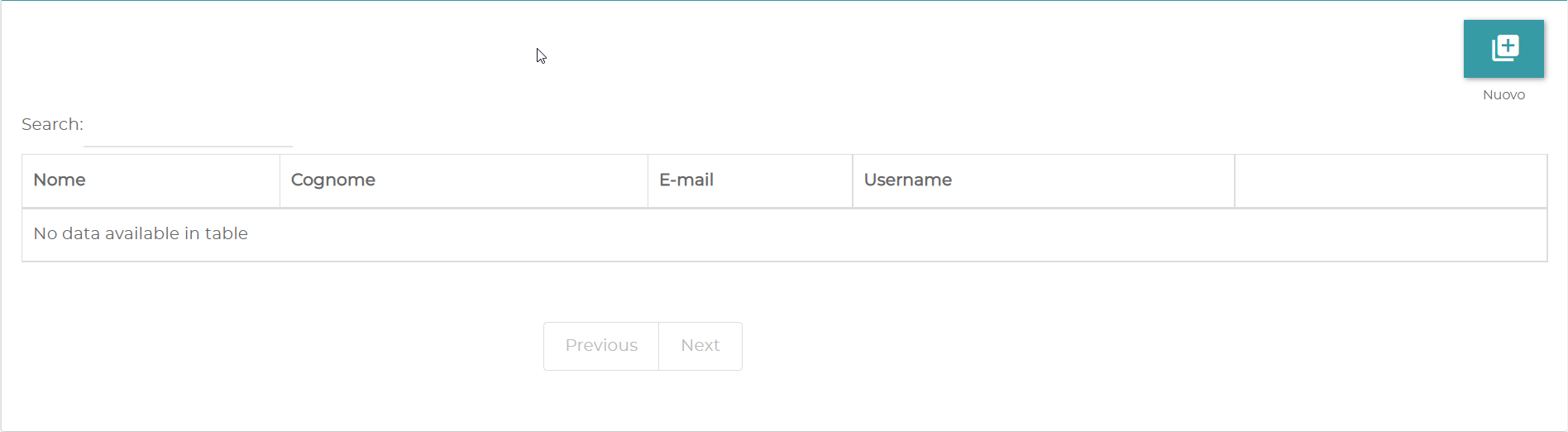
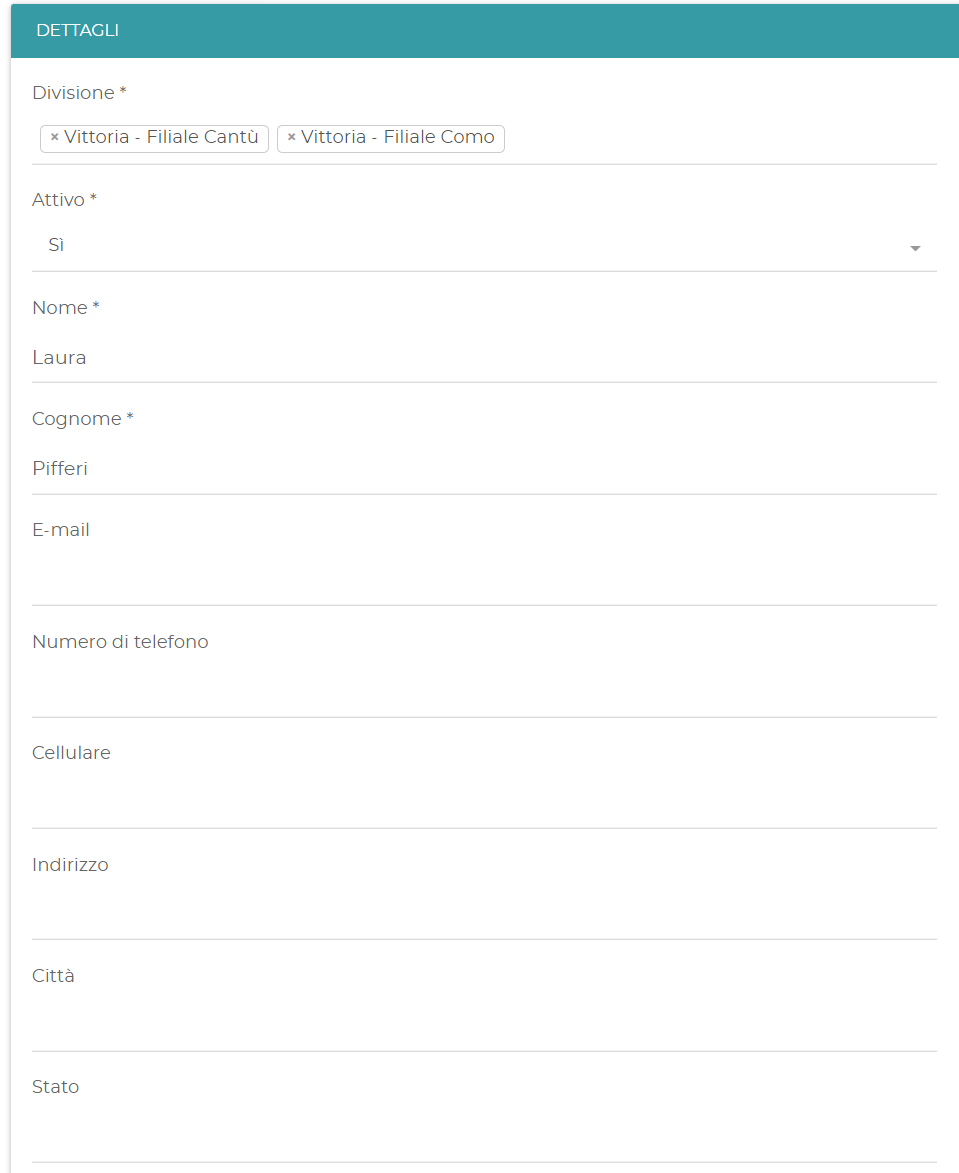
A Resource must be assigned to one or more Divisions. First and last name are required; you can add email, contacts, address and notes.
If a Division uses the Not managed assignment, you do not need to create Resources for that Division. A Resource can be associated with the Subdivisions belonging to its Divisions.
By enabling Receive notifications, the Resource receives an email for each new booking. You can also connect its schedule to Google Calendar.
A login account associated with a Resource can view and modify only the data of that Resource. The account email is the one entered in the details.
Bulk import
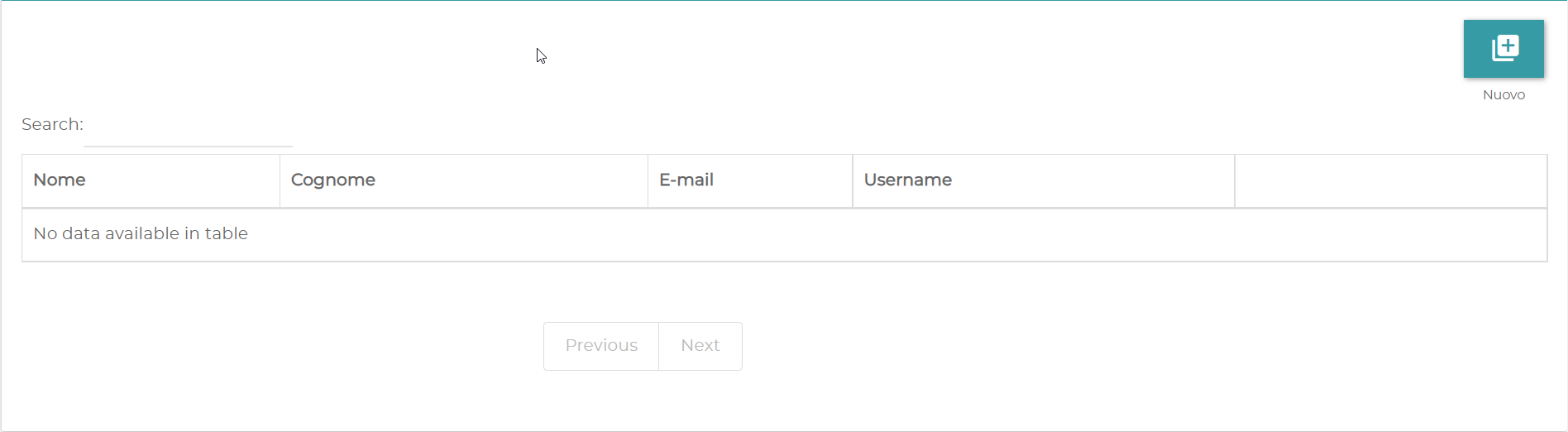
Use Bulk import to upload multiple Resources. Download the sample file, fill it in and upload it. In the results section you can check the imported and rejected records.
Groups
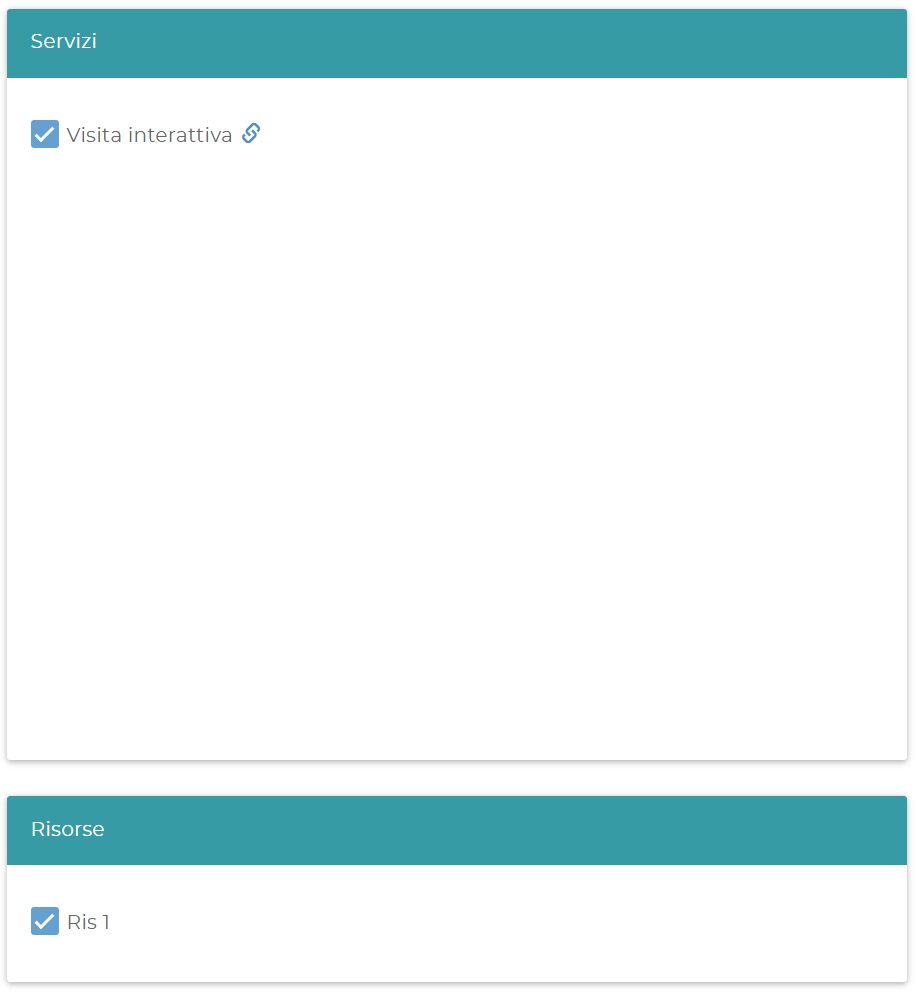
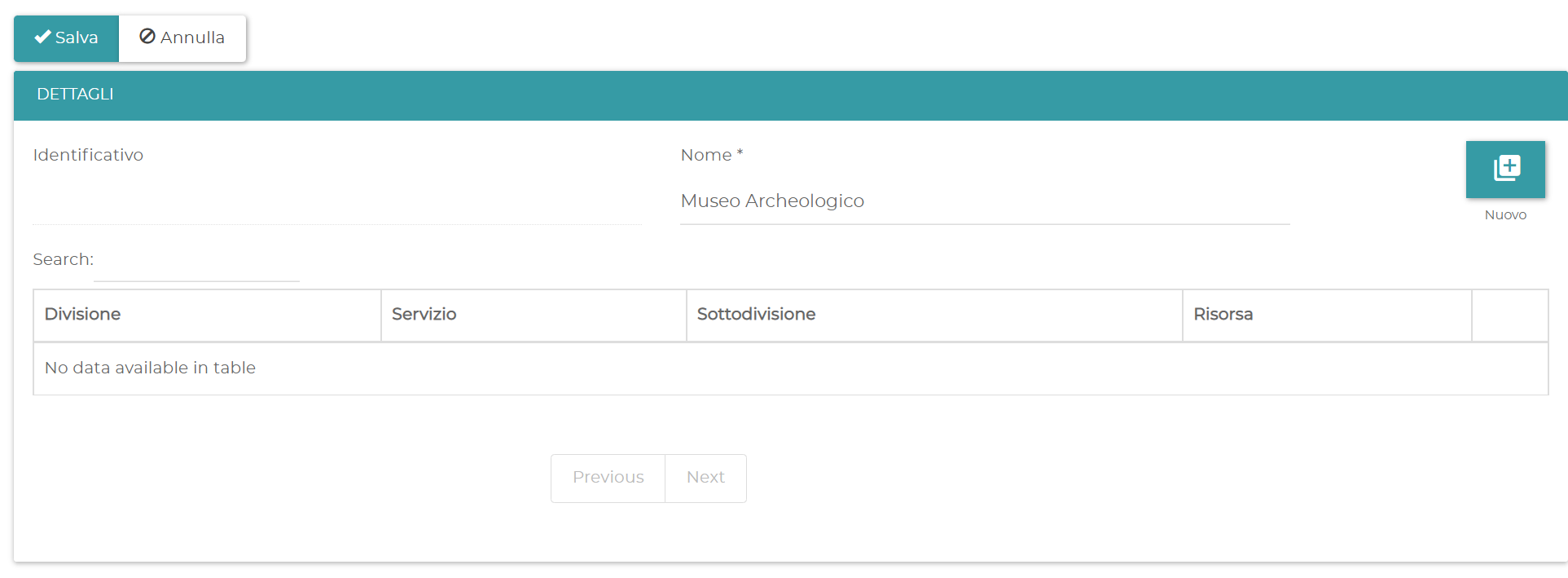
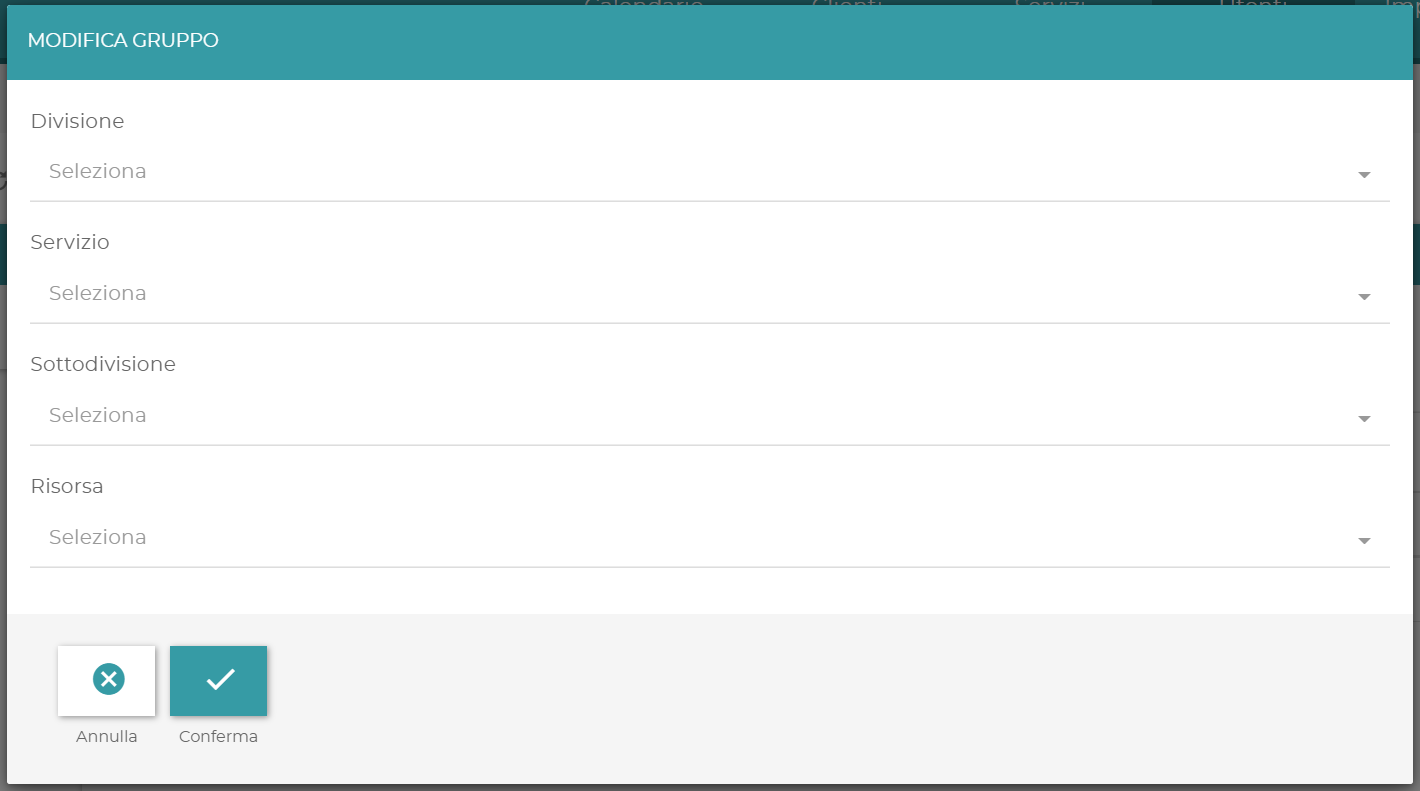
A Group creates a custom booking form with a dedicated link. Enter an internal name and assign Divisions, Subdivisions, Resources and Services.
If you select a higher-level item, the items below it are selected automatically. Each item must still be added individually.
When you are done, you can open or copy the Group link.
Customers
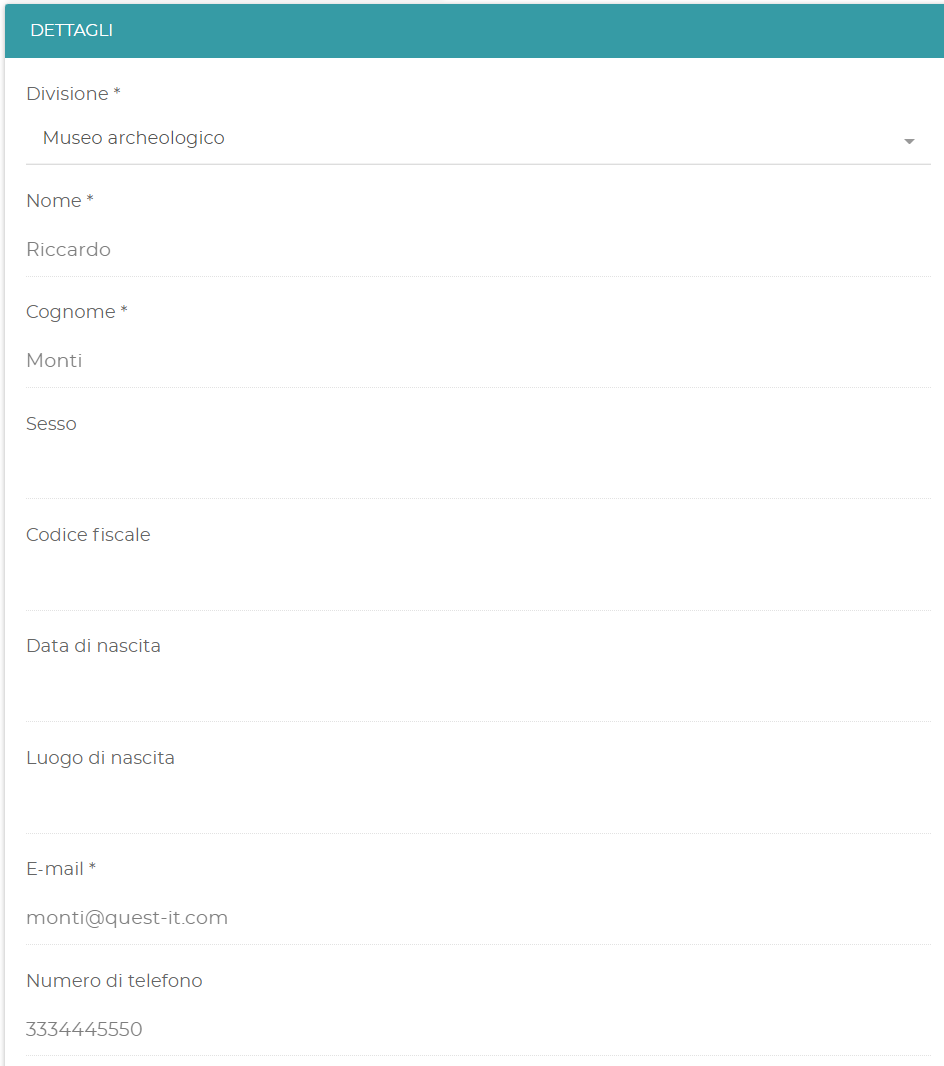
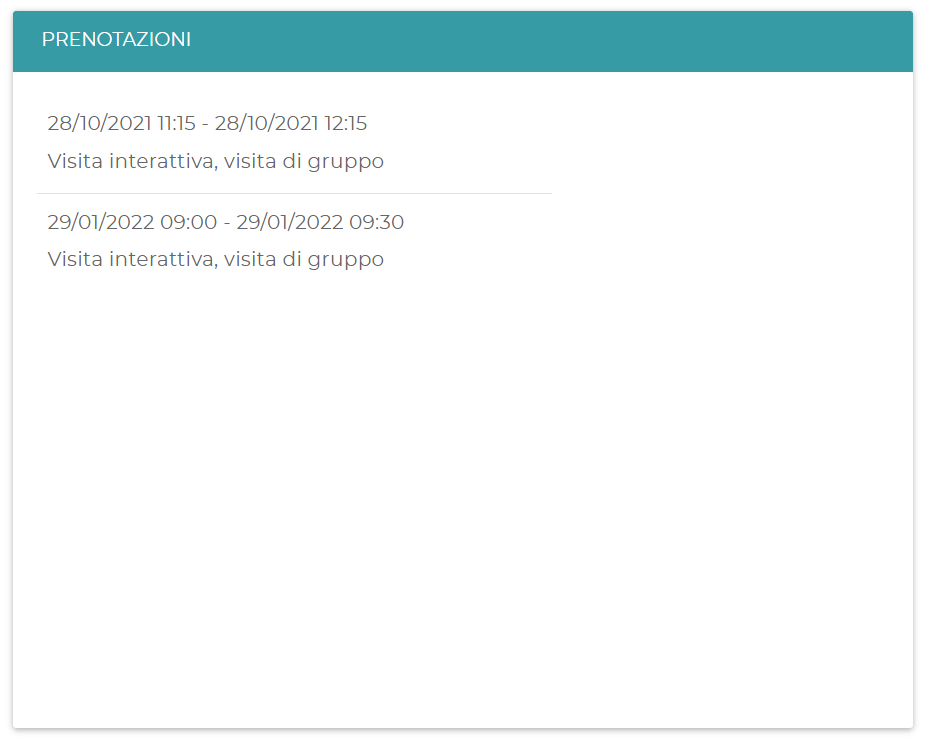
The Customers section shows the people who have made bookings. For each customer you can view the data entered during booking and their upcoming appointments.